Business License

Ejoin Gateway: How To Use eSIM?
Ejoin VoIP and SMS Modem eSIM Device Data Operation Manual
1.Identifying eSIM Devices
The software interface of eSIM devices differs from that of other devices, characterized bya white "eSIM" labe linthet opright corner of the software page, indicating eSIM function ality support. When this "eSIM" labelis white, itsignifies that eSIM functiona lityisnotenabled. In such cases, the device can only use physical SIM cards. Forexample, if you have purchased a GoIP 532 eSIM device and eSIM isnotenabled, you can insert up to 32 physical SIM cards for operation.
Enablinge SIM
To use the eSIM function, you need to enableit. Follow these steps:
1.Go to “Advanced Settings”.
2.Navigate to “Other Settings”.
3.Find the “eSIM” optionandenableit.
4.After clicking enable, save the settings and reboot the device to apply the changes.
Once the device restarts, the eSIM function will beactivated.
2. Once the device comes back online, user will notice that the "eSIM" label in the top right ;corner has turned green. This indicates that the eSIM function is now enabled. Additionally, user can view the eSIM data, including the eUICCID, in the eSIM status section.
3.eSIM Data Writing
Efficiently recognize and process the received eSIM activation QR code to extract the essential activation data, such as: `LPA:1$testsmdpplus.infineon.com$0000-0000-0000-3003`. Place this data into the activation code field in "eSIM > eSIM Settings" ,Then, click the "Write" button.
4. Once the eSIM data is successfully written, user can see the green ICCIDc odein" eSIM > eSIM Status "(as shown in Figure4). After successful registration, user can make calls and send/receive sms messages.
5. If the user needs to change/delete the eSIM data, user can delete the written eSIM data by clicking the delete button on the "eSIM > eSIM Settings".

Contact Us
Recommended Products
-
 Ejoin 16 Ports 64 SIMs VoIP Gateway ACOM516L-64 SIP GoIP ModemNegotiableMOQ: 1 Combo
 -
Ejoin 16 Ports 128 SIMs VoIP Gateway 2G/4G GSM Modem Support VoIP and SMS - ACOM516L-128NegotiableMOQ: 1 Combo
-
Ejoin 16 Ports 256 SIMs VoIP Gateway Modem 2G/4G GSM Gateway Support SIP SMPP HTTP API ACOM516L-256NegotiableMOQ: 1 Combo
-
Ejoin 32 Ports VoIP Gateway Modem 32 SIMs GSM Modem For VoIP And SMS Business ACOM532L-32NegotiableMOQ: 1 Combo
-
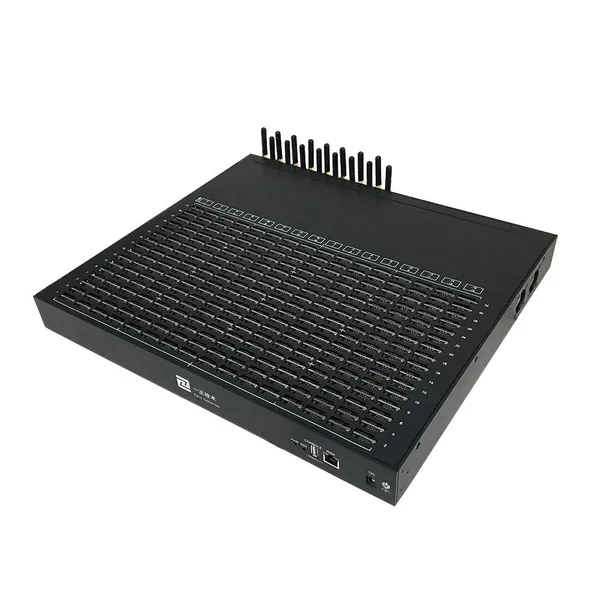
Ejoin VoIP Gateway Device 16 Ports 512 SIMs GSM/4G Gateway Support SIP SMPP HTTP API GoIP ACOM516L-512NegotiableMOQ: 1 Combo
-
Ejoin SMS Modem 32 Port 128 SIM GSM/4G SMS Gateway Modem ACOM632L-128NegotiableMOQ: 1 Combo
-
Ejoin SMS Modem 32 Ports 512 SIMs GSM Modem For Bulk SMS Business ACOM632L-512NegotiableMOQ: 1 Combo
-
Ejoin SMS Modem 32 Port 256 SIMs GSM Gateway Modem For Bulk SMS Business ACOM532L-256NegotiableMOQ: 1 Combo
-
Ejoin SIMPOOL256 For Cloud SIM Solutions 256 Ports SIMBank/SIMBoxNegotiableMOQ: 1 Combo
-
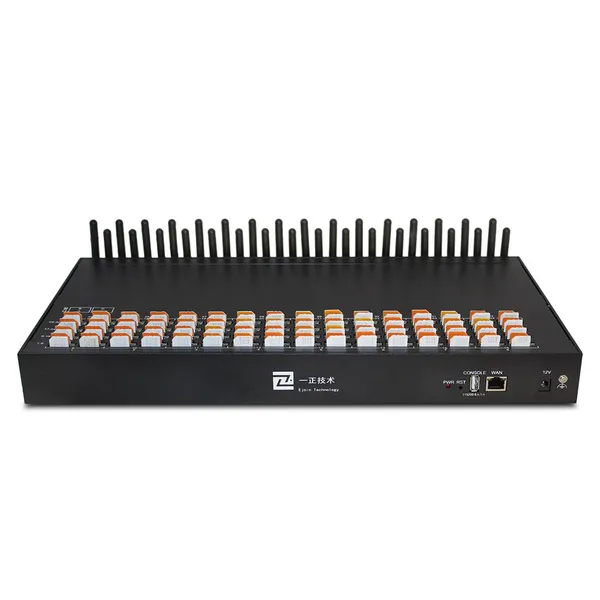
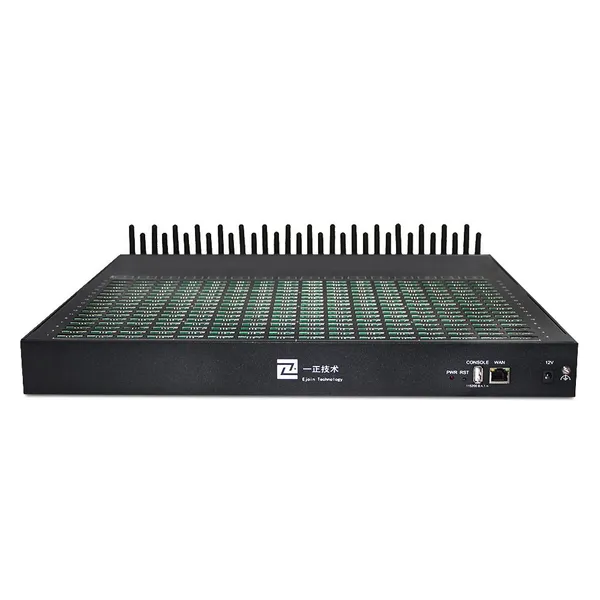
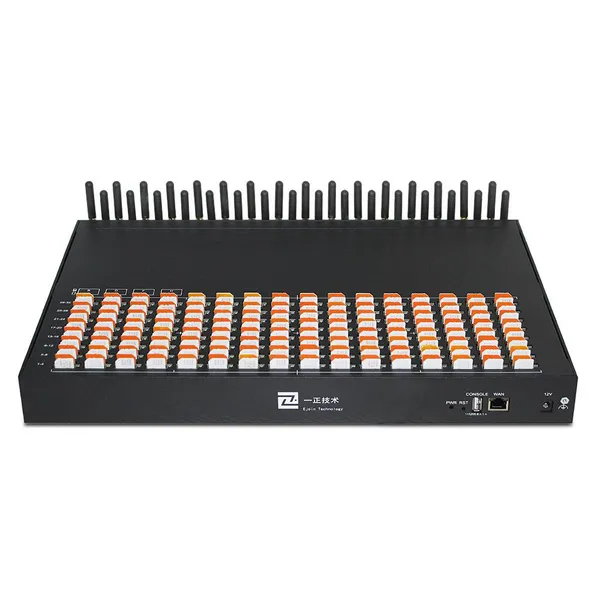
Ejoin 512 Ports SIMPBank SIMPOOL512 For Cloud SIM SolutionsNegotiableMOQ: 1 Combo
-
Ejoin 64 Ports SMS Gateway Modem 512 SIMs SMS Modem ACOML664-512NegotiableMOQ: 1 Combo
-
Ejoin SMS Gateway Modem 64 Ports 256 SIMs SMS Modem ACOM664L-256NegotiableMOQ: 1 Combo
-
Ejoin SMS Platform SMS System Build Your Own SMS Platform On Your Server EiMSNegotiableMOQ: 1 Combo
-
Ejoin 128 Ports SIMPool Device SIMBank/SIMbox Equipment For Cloud SIMNegotiableMOQ: 1 Combo
-
Ejoin VoIP Gateway 32 Ports 256 SIMs 2G/4G GSM ModemNegotiableMOQ: 1 Combo